Interior Design Templates: What Each One Does
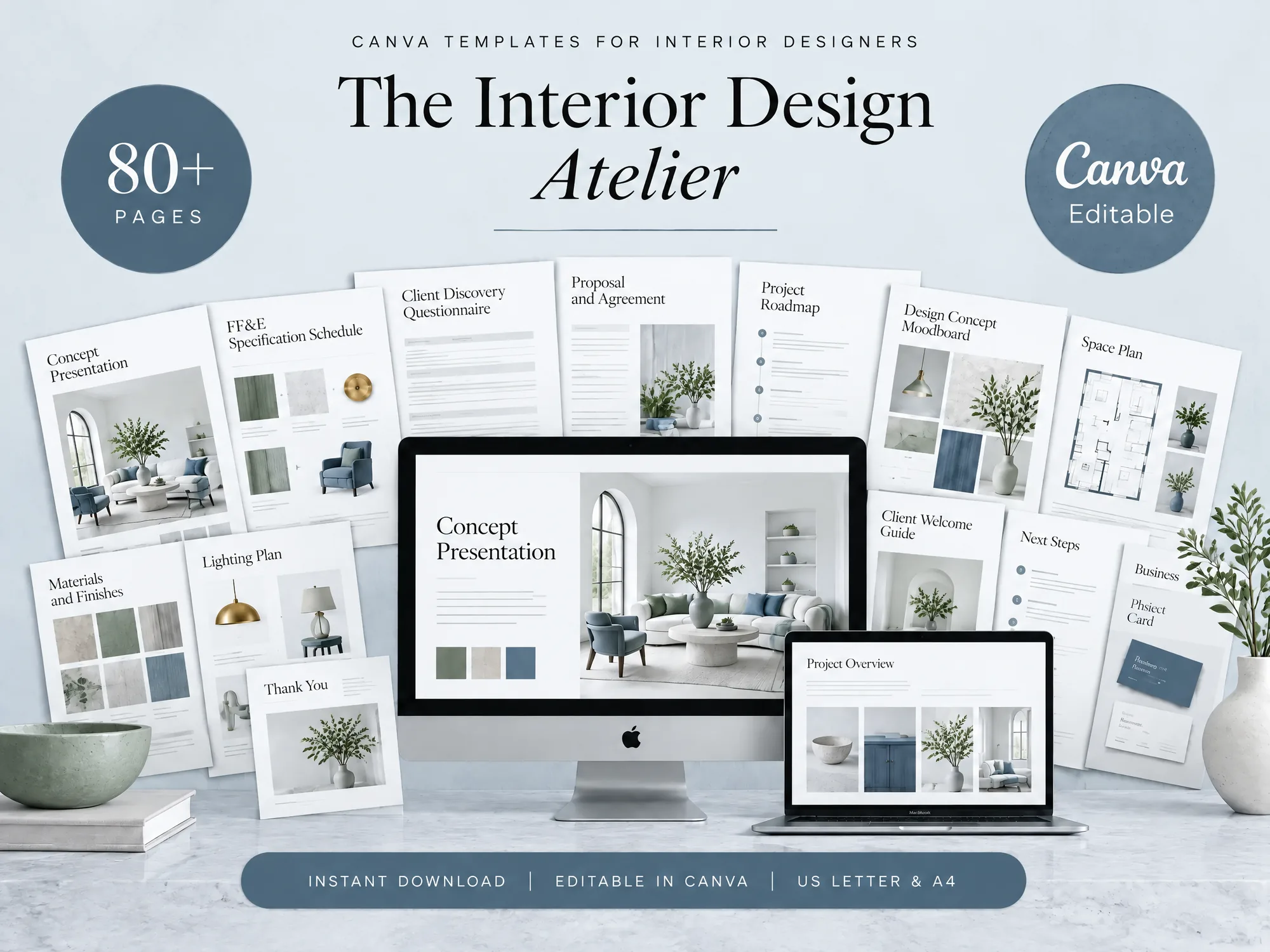
Interior design templates for client discovery, proposals, concept presentations, FF&E schedules, and project follow-up, matched to each stage of studio work.
By The Interior Design Kit by Cosmo Suite · Editorial policy
Published · 8 min read
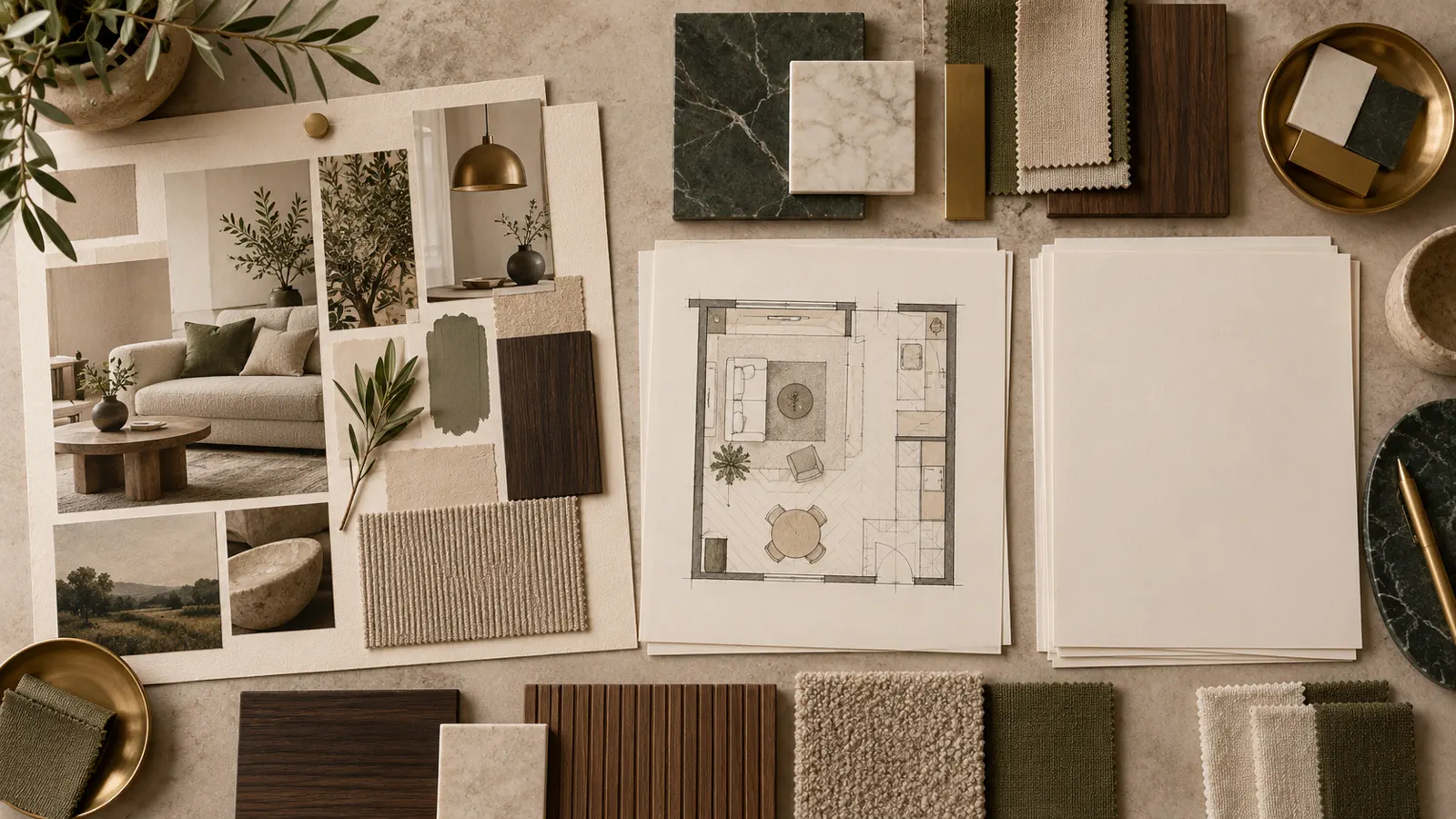
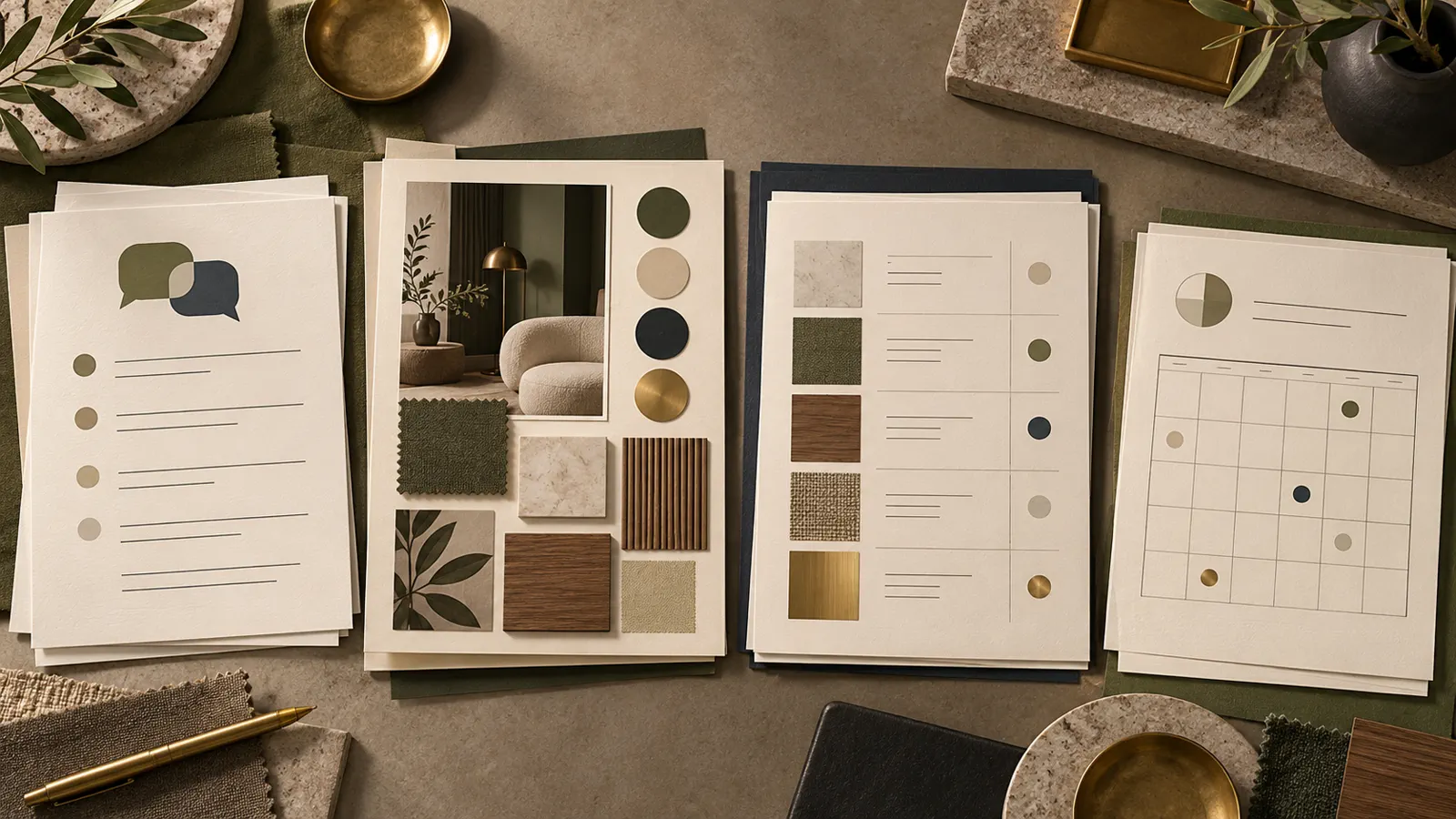
An interior design template is an editable document that helps a studio record or present part of its work. The most useful templates follow the client journey. A questionnaire records what the client needs. A proposal describes the work you offer. A concept presentation explains the direction. A schedule tracks selections. Roadmap documents keep the next steps visible.
A studio can build each file from scratch or start with a coordinated set and adapt it. Ask what decision each document records and who needs it next. Also note where your judgment is still needed. This guide maps common client documents to those handoffs so you can choose what your process needs.
Key takeaways: Start with discovery. Put scope and compensation in writing. Present a design direction before recording detailed selections. Keep the schedule and next steps current.
Interior design templates at a glance
Choose a document by project stage and the decision the client or studio needs to make.
| Project stage | Document | What it records |
|---|---|---|
| Before concept work | Questionnaire and intake form | Client goals, needs, project context, and useful starting information |
| Before work begins | Proposal and agreement | Proposed services, scope, compensation, and agreed terms |
| Concept review | Design presentation | The design direction, mood boards, plan overview, and selected examples |
| Selection and specification | FF&E schedule | Furniture, finishes, fixtures, and other specified items |
| Throughout the project | Roadmap, schedule, client list | Milestones, upcoming work, and client or project details |
| Billing and follow-up | Invoice, quotation, feedback form | Charges or proposed charges and client response |
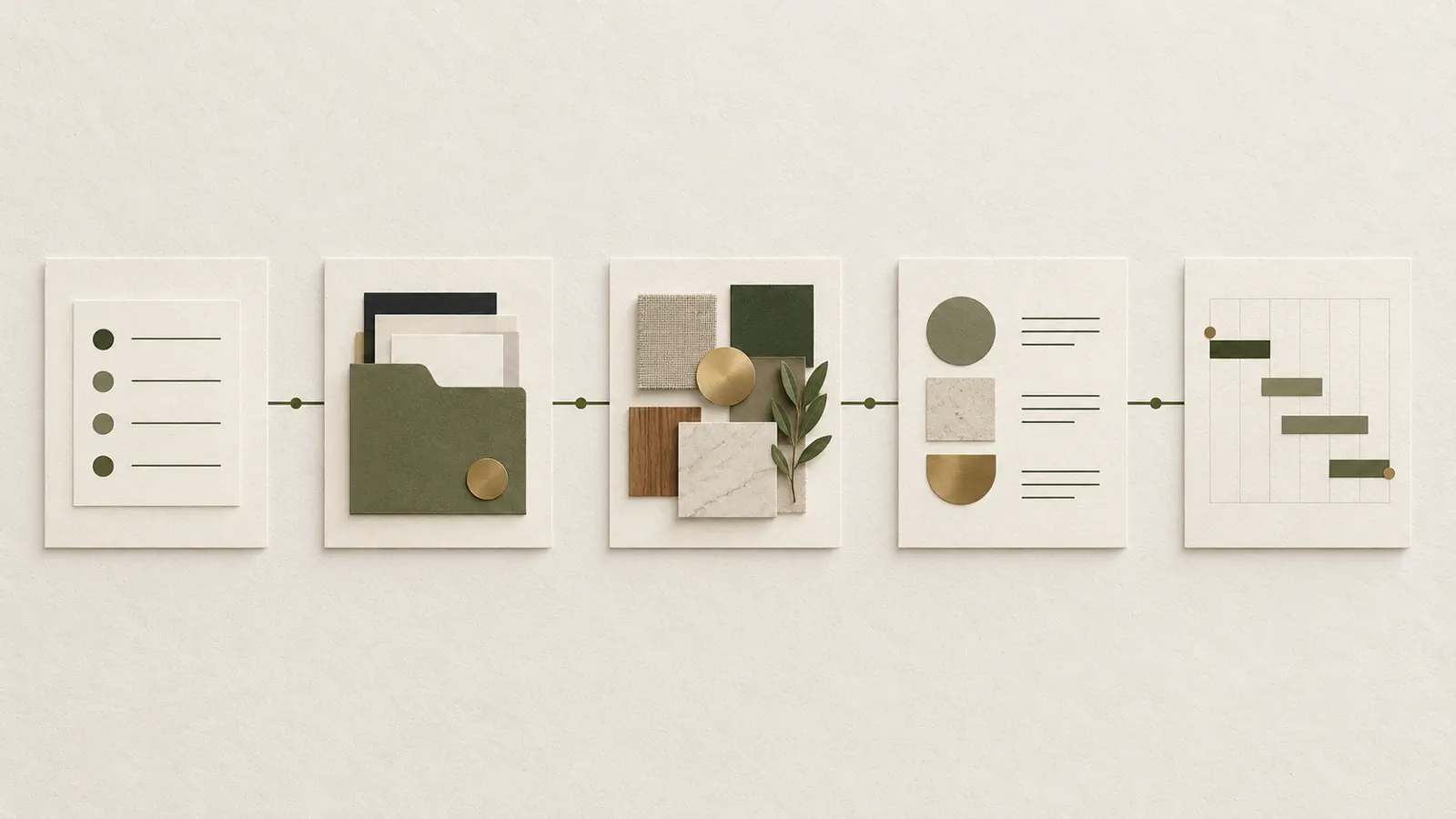
Treat each file as a handoff. Discovery notes inform the proposal. The agreed scope frames the concept work. The client reviews a direction before the studio records detailed selections. The project schedule then shows what is due and which tasks depend on a client decision.
If you are comparing a blank-page approach with a ready-made set, look at the interior design documents included in The Interior Design Kit. Check that the files match the work you sell, rather than choosing by page count alone.
Start with discovery before making a concept
A client questionnaire gives the designer a structured way to collect project goals, preferences, constraints, and context before developing a direction. An intake form can capture practical project details. These files are related, but they do not need to ask the same questions twice.
Use the questionnaire to prompt a useful conversation: which rooms are in scope, how the client uses them, what needs to change, what they want to keep, and who will make decisions. The intake form can hold contact and project information your studio needs to start work. Keep questions tied to a decision you will make later. If an answer will not affect scope, layout, material choices, scheduling, or communication, it may not belong in the form.
Discovery does not replace verification. A client's description may need a site measure, review of existing conditions, or a follow-up conversation. The Council for Interior Design Qualification (CIDQ) definition of interior design includes data collection and documenting existing conditions. The designer decides what evidence and professional review the project needs.
Before concept work starts, make sure both sides understand the goals and constraints you will use. If the brief changes, record the change. Then revisit the proposal or schedule if the work is affected.
Put scope and compensation in writing
A proposal and an agreement answer different questions. The proposal presents the services, deliverables, fee approach, and next step you are offering. The agreement records the terms the parties accept for the work.
Before sending a proposal, describe the rooms or areas included, the design services, what the client will receive, and what sits outside the proposed scope. If the work has review points or client inputs, make those visible. A clear proposal lets the client respond to the actual work on offer instead of trying to infer it from a mood board or a conversation.
The agreement should match the proposal and your local requirements. The ASID Code of Ethics and Professional Conduct says members' client contracts should state the project scope, services, and compensation method. This helps you check what to clarify. It is not a complete contract for every place or service. Treat a template agreement as a starting point. Ask a qualified local professional to review it before use.
When a project changes, check that the proposal and agreement still match. If the client adds a room or requests a service outside the original plan, review the scope, fee, and schedule. Record any new agreement before work continues.
Present the direction before detailing selections
A concept presentation is a client-facing document that explains the proposed design direction. It can connect project goals to mood boards, colour palettes, a floor plan overview, furniture selection, material finishes, and the next project stage.
This document works best when it supports a decision. Put the client’s goals beside the visual direction they inform. Label options clearly and say what feedback you need. If the client is choosing between two palettes, for example, ask which direction fits their priorities and why. Do not ask for approval on detailed items that are still provisional.
For example, a living-room brief might say to keep the current seating arrangement. A concept board can show a palette and furniture direction, then flag the choices that still need confirmation. This example is illustrative and does not describe a client project.
The presentation and the FF&E schedule have different jobs. The first makes the overall direction easier to discuss. The second records item-level selections and specifications. Keeping that boundary clear helps the client give useful feedback without turning the presentation into a dense product list.
Use an FF&E schedule to make selections legible
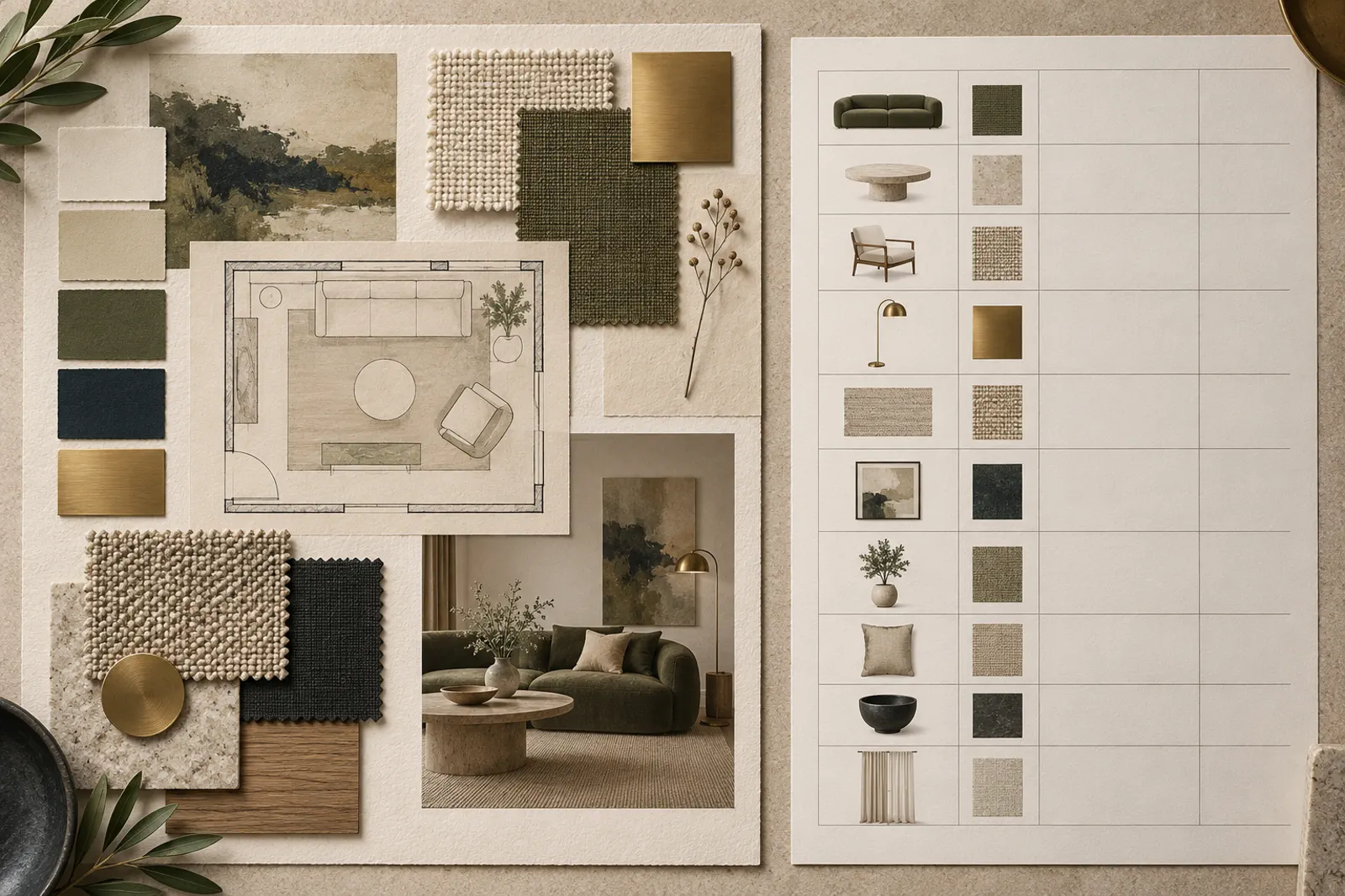
An FF&E schedule records specified furniture, fixtures, and equipment. It gives the studio and client one place to refer to for selections. The fields depend on the designer, the project, and what another person needs to act on.
A schedule may group items by room or category and identify the item, finish, or other relevant detail. Add fields only when they support a real decision or handoff. A purchasing-heavy project may need more sourcing and ordering detail than a concept-only service. A schedule template should be adapted to the service and project, not treated as a complete specification for every job.
CIDQ includes selections, documentation, and schedules in its description of interior design work. A schedule follows the design direction because it records choices in a format others can use. The US Environmental Protection Agency guidance on indoor air quality says materials and furnishings can affect indoor air quality. This is one reason to record the selected product and finish clearly. A schedule does not replace technical drawings, code review, site checks, or specialist documentation when the project requires them.
Use the schedule review to catch mismatches between the selected item and the presentation or project requirements. If a finish, size, quantity, or other detail changes, update the record and make sure the people relying on it receive the current version.
Keep delivery and closeout visible
Project-roadmap documents show what happens next. A timeline or schedule can set out planned stages and dependencies. A client list keeps project details together. A lighting list collects a set of selections. Invoices, quotations, and feedback forms support other parts of the client relationship.
Start with the handoff. Use a schedule when the client or a collaborator needs to see upcoming work. An invoice records a charge; a quotation presents a proposed charge. A feedback form asks for a response after a milestone or service. One file may cover several functions on a small project. Separate files may help when different people need different records.
The sequence should reflect the studio’s actual process. For example, a client may need to approve a concept before the studio completes selections. A project timeline can show that dependency, while the presentation records the decision and the schedule captures the item details. When the order changes, revise the timeline instead of leaving an old plan to circulate.
Stationery has a narrower role. Business cards and thank-you cards help a studio communicate its identity, while signs such as “Scan to Pay” or “Leave a Review” support specific client interactions. They do not replace the working documents that record scope, selections, and decisions.
Choose templates by the handoff they support
A template is a good fit when it makes one part of your process easier to explain, review, or repeat. Before you download or buy one, ask:
- Does it cover a service your studio provides?
- Can you edit it in a format your team uses?
- Does it leave space for the project-specific details you need?
- Is its purpose distinct from the other files in your process?
Free templates can be a sensible starting point. Check the license and file format, then see whether the template gives you enough structure for the work. A single questionnaire may be all you need today. A coordinated document set may save setup work if you are preparing several client-facing materials. Either way, review every field and adapt the wording before sending it to a client.
Templates organize documents. They do not provide a sourcing clipper, client portal, automatic invoicing or payments, CAD, 3D, or a live project database. If your studio needs those functions, evaluate software separately. The choice can also change as the studio takes on different services or collaborators.
Why trust this article
This guide uses The Interior Design Kit contents record and the CIDQ and ASID references below. We checked them on 28 October 2026. The workflow example is illustrative. This article is not legal advice. Local rules and project needs vary. See the site’s editorial policy for how its content is reviewed and corrected, or its About page for contact details.
Where The Interior Design Kit fits
The Interior Design Kit is a Canva document set for interior designers. It includes a Client Discovery Suite, a Proposal & Agreement Suite, a Concept Presentation, an FF&E Specification Schedule, Studio Stationery, and Project Roadmap & Checklists. The Concept Presentation has 34 pages. The FF&E Specification Schedule has 14 pages. The contents also include video tutorials and four colour versions.
Those files cover several client-facing stages in one coordinated set. They do not act as project-management software or automate billing. You edit the documents for your studio and project. The The Interior Design Kit contents page lists the included items and formats.
If you want a ready-made starting point for the documents you plan to adapt, see The Interior Design Kit for interior designers. Review the contents against your services, then decide which files belong in your workflow.
Frequently asked questions
What should interior design templates include?
Choose documents for the decisions your studio needs to record: client goals and constraints, the proposed scope and compensation, visual direction, specified selections, and the next project steps. The exact set depends on the services you provide. A template should make its purpose clear and leave room for the project details that change from client to client.
Are there free interior design templates?
Yes, free templates are available from different sources. Check the file format, the work it covers, its license, and whether you can edit it in the software you already use. One free questionnaire may help with discovery, while you may still need separate files for a proposal, presentation, specifications, and project tracking.
Can one set of templates cover the whole design project?
A coordinated set can cover several client-facing stages. You still decide what services to offer, adapt each file to the client's project, and use specialist tools where the work requires them. Check each document against your process before sending it.
Should an FF&E schedule go in the design presentation?
The presentation can show the overall direction and selected examples. An FF&E schedule records item-level specifications in a form that is easier to review and update. Some studios show a short selection summary in the presentation, then keep the detailed schedule as its own working document.
Do interior design templates replace design software?
No. Templates help organize documents and client communication. They do not replace CAD or 3D tools, sourcing systems, automatic invoicing, project databases, or a client portal. Choose software for the parts of your work that documents cannot handle.
What is the quickest way to start using interior design templates?
Start with the next client handoff you need to make. Prepare the questionnaire or intake form before discovery, then check that the proposal and agreement match the services you actually offer. Add presentation, schedule, and project-tracking files as your workflow needs them.